R36 Ultra vs R36S: the comparison
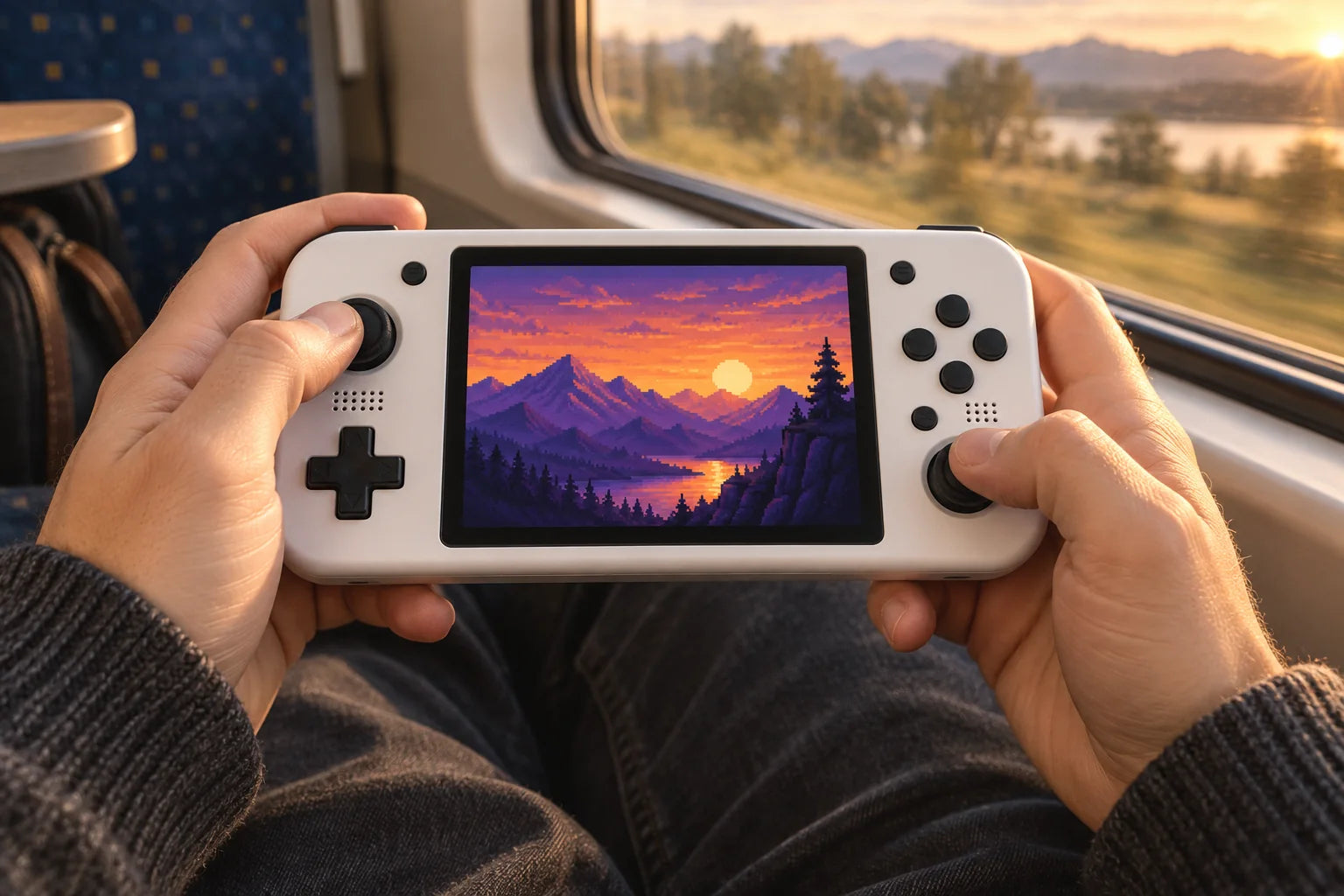
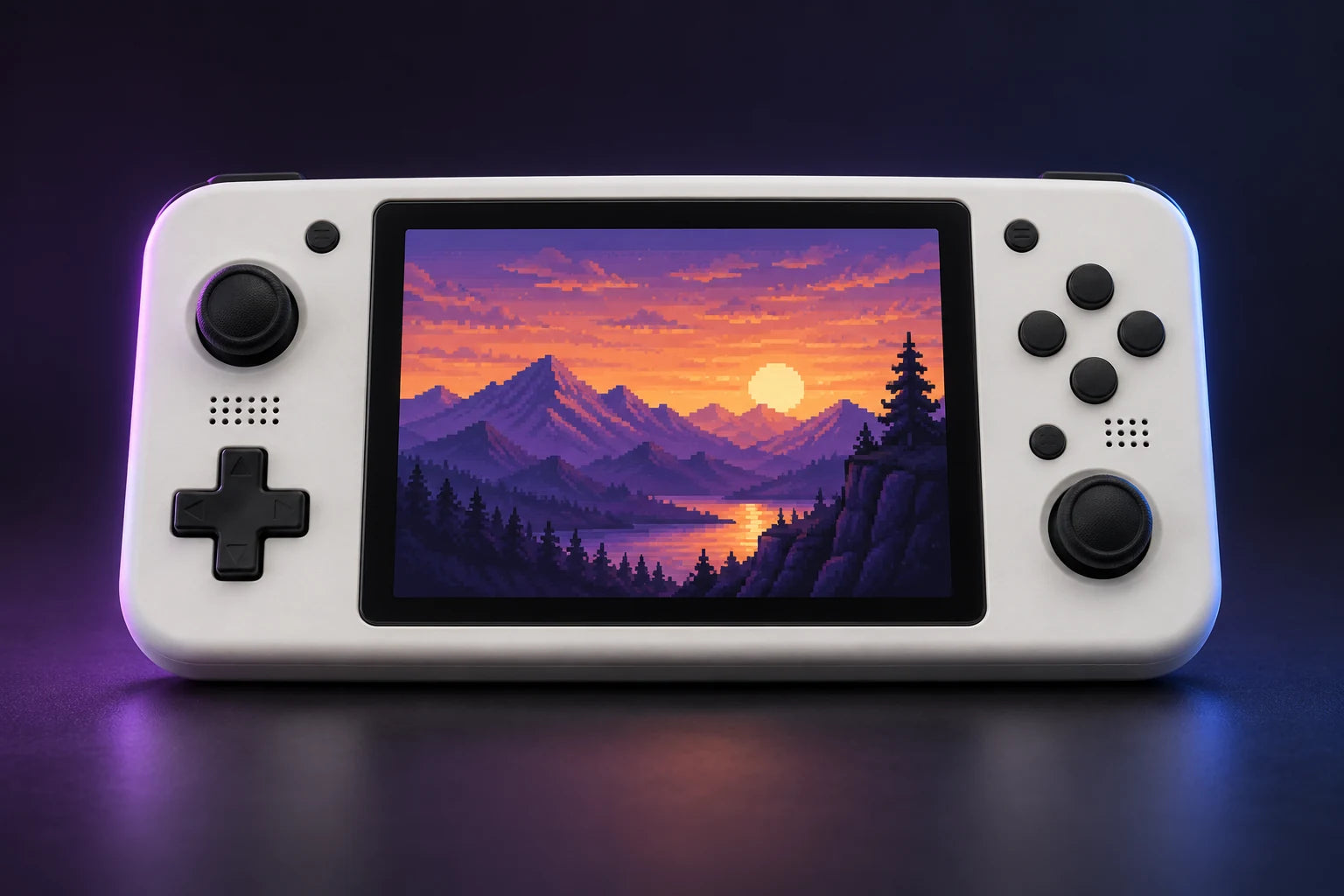
The R36S has a 3.5-inch 4:3 screen. The Ultra 4-inch offers a square display; the Ultra X 4.5-inch gives 4:3 games a larger image. A bigger screen does not mean a faster processor.
Comparison based on the stated specifications, not laboratory performance testing.
Compare the designs
| Specifications | R36S | R36 Ultra | Ultra X |
|---|---|---|---|
| Screen | 3.5″ · 640 × 480 | 4″ · 720 × 720 | 4.5″ · 1024 × 768 |
| Design | 4:3 | 1:1 | 4:3 |
| Processor | RK3326 | RK3326 | RK3326 |
The square screen
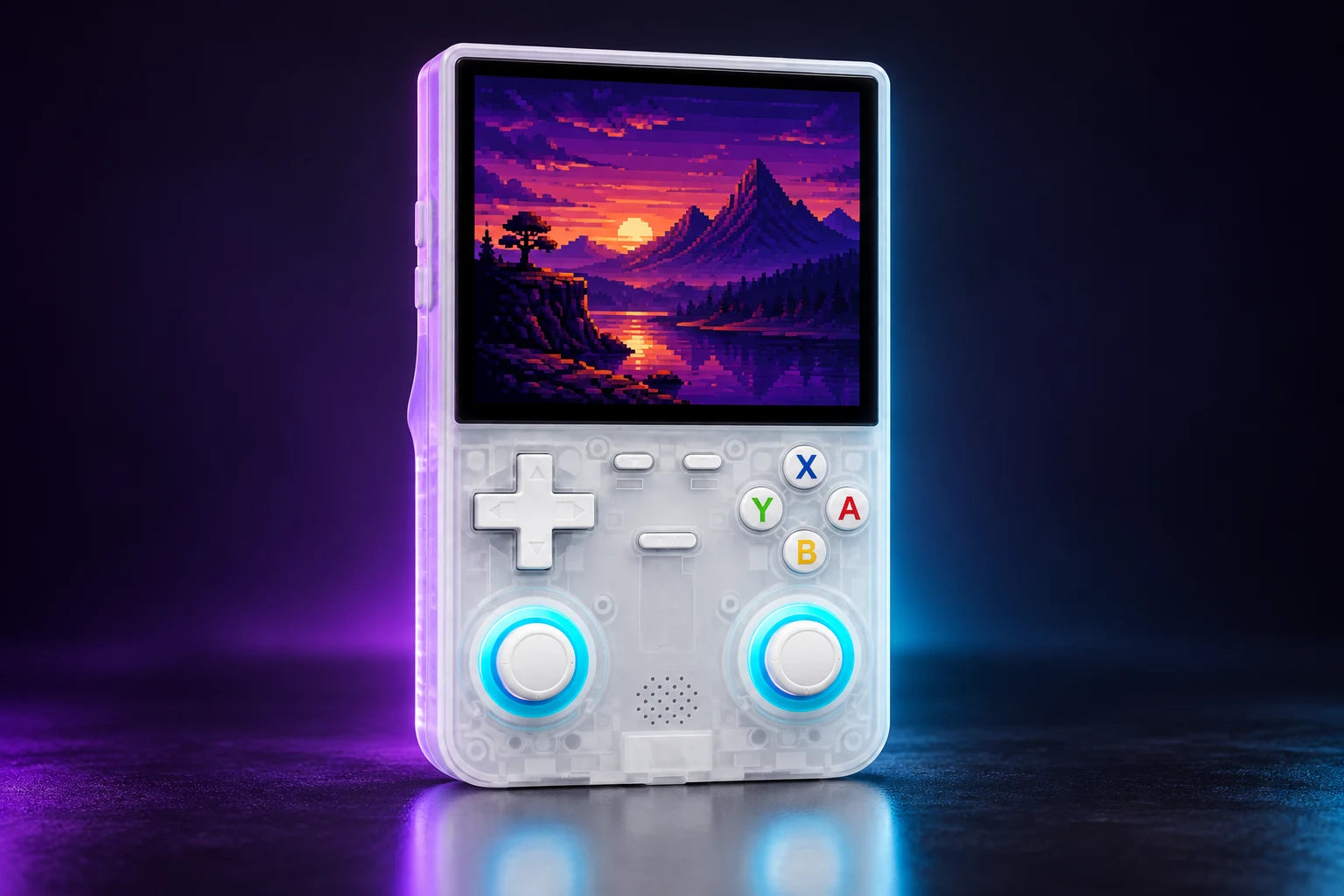
720 × 720 pixels in a vertical body. Its 1:1 screen lets you choose the display aspect ratio in the emulator.
On the Ultra 4″, keeping a 4:3 picture leaves bars above and below. The diagram compares both displays without stretching the image.
The larger 4:3 screen
1024 × 768 pixels and a 4,000 mAh battery. A larger 4:3 screen for your retro games.
4″ and 4.5″ refer to the diagonal. The Ultra X has a larger 4:3 display: a game in this aspect ratio appears both wider and taller than on the square Ultra.
R36 Ultra or Ultra X: which should I choose?
The Ultra 4″ has a square 720 × 720-pixel display and a 3,000 mAh battery. The Ultra X has a 4.5″ 4:3 display at 1024 × 768 pixels and a 4,000 mAh battery. Choose the Ultra X for a larger 4:3 picture. The processor is the same.
What kinds of games can it emulate?
The RK3326 platform suits 8-bit and 16-bit consoles and many PlayStation games. N64, PSP and Dreamcast performance varies with the game and settings. Perfect performance in every game is not guaranteed.
64 or 128 GB: what changes?
128 GB provides twice the nominal capacity of 64 GB. It holds more files without changing performance. The number of games depends on file size.
Capacity changes storage space, not processing power.
Which model should you choose?
The R36S has a 3.5-inch 4:3 screen. The Ultra 4-inch offers a square display; the Ultra X 4.5-inch gives 4:3 games a larger image. A bigger screen does not mean a faster processor.