R36H vs R36S: the comparison
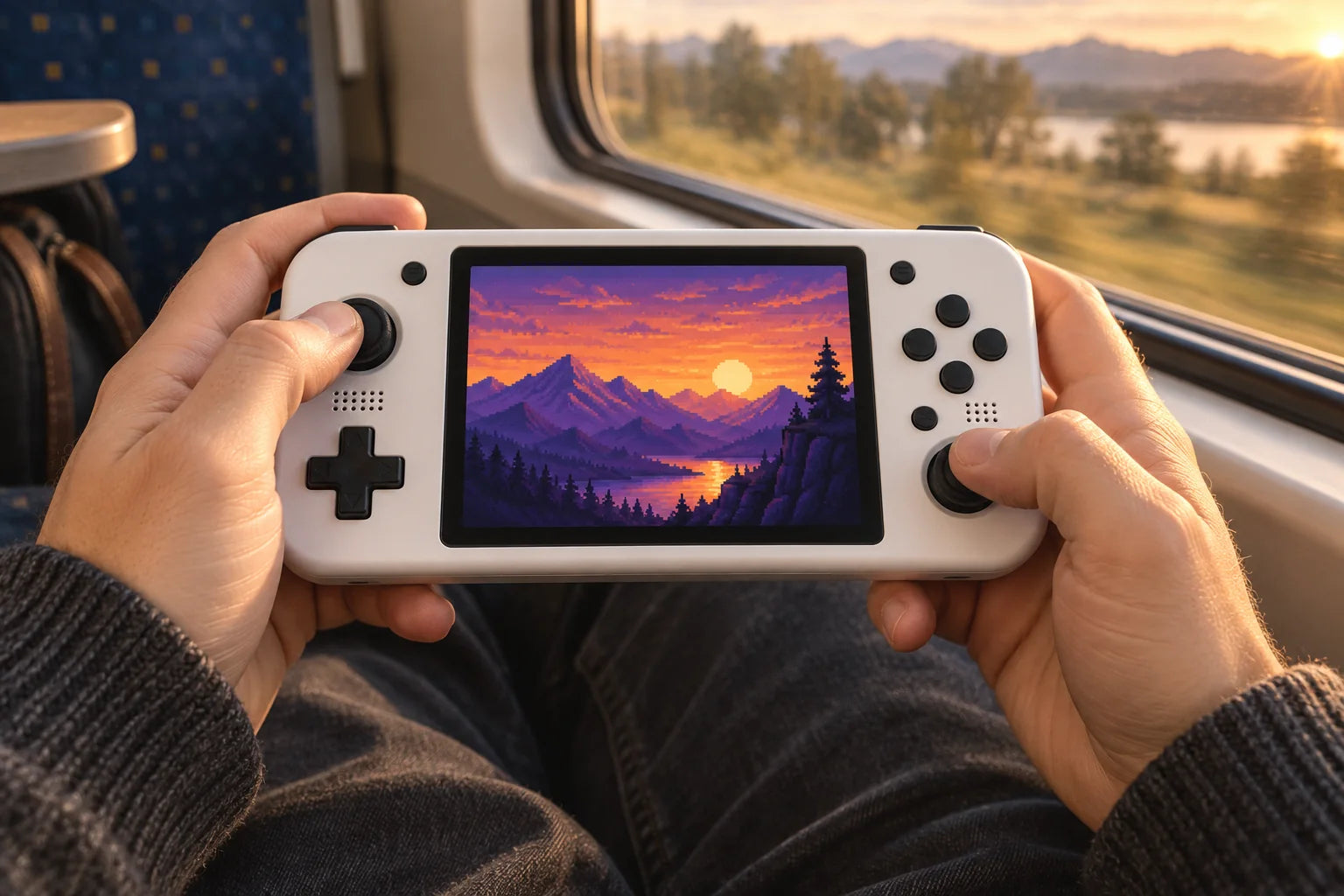
Choose the R36H for controls on either side of the screen, or the R36S if you prefer a vertical body. Screen diagonal and resolution are the same.
Comparison based on the stated specifications, not laboratory performance testing.
Compare the designs
| Specifications | R36S | R36H |
|---|---|---|
| Screen | 3.5″ · 640 × 480 | 3.5″ · 640 × 480 |
| Design | 4:3 | 4:3 |
| Processor | RK3326 | RK3326 |
The horizontal design
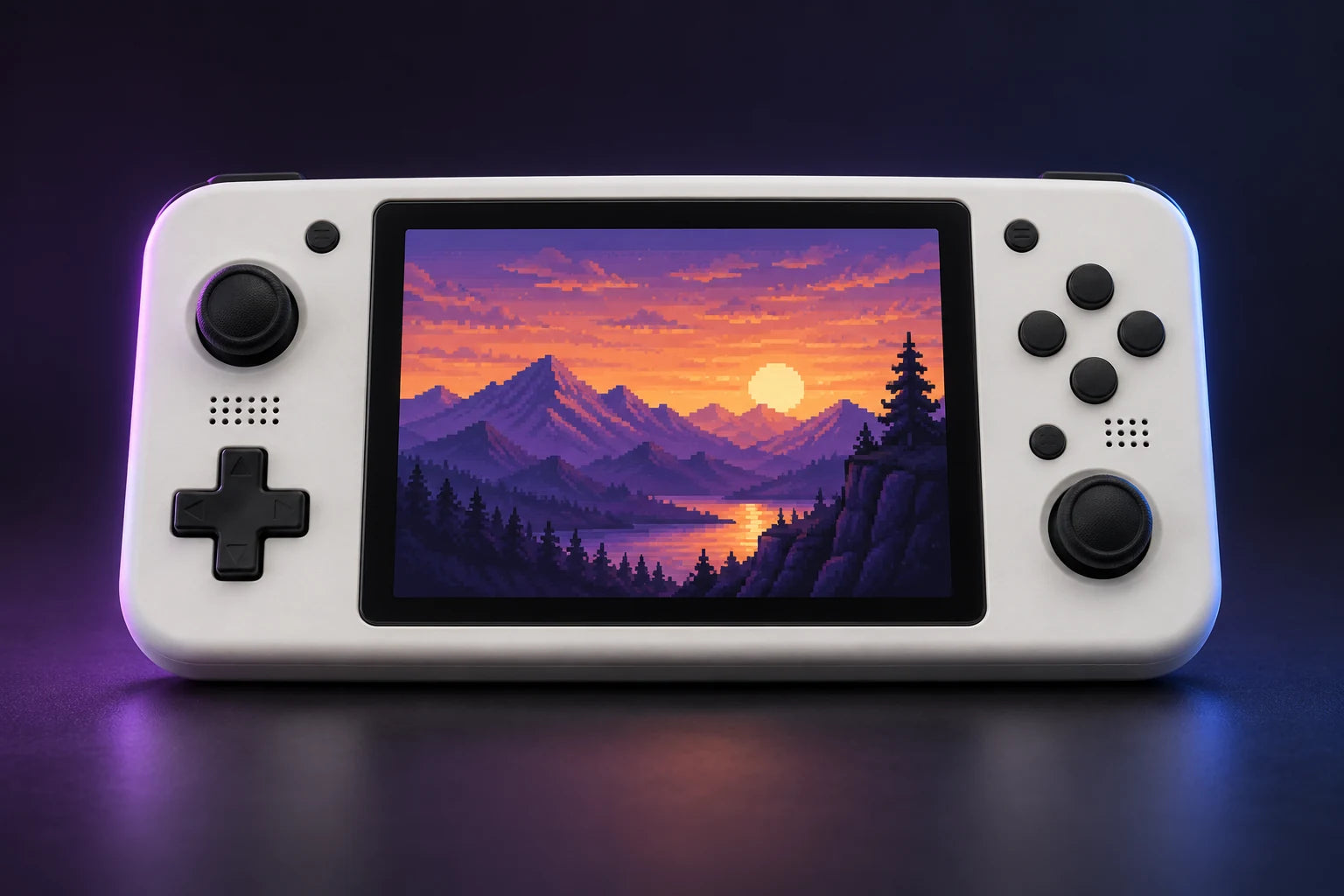
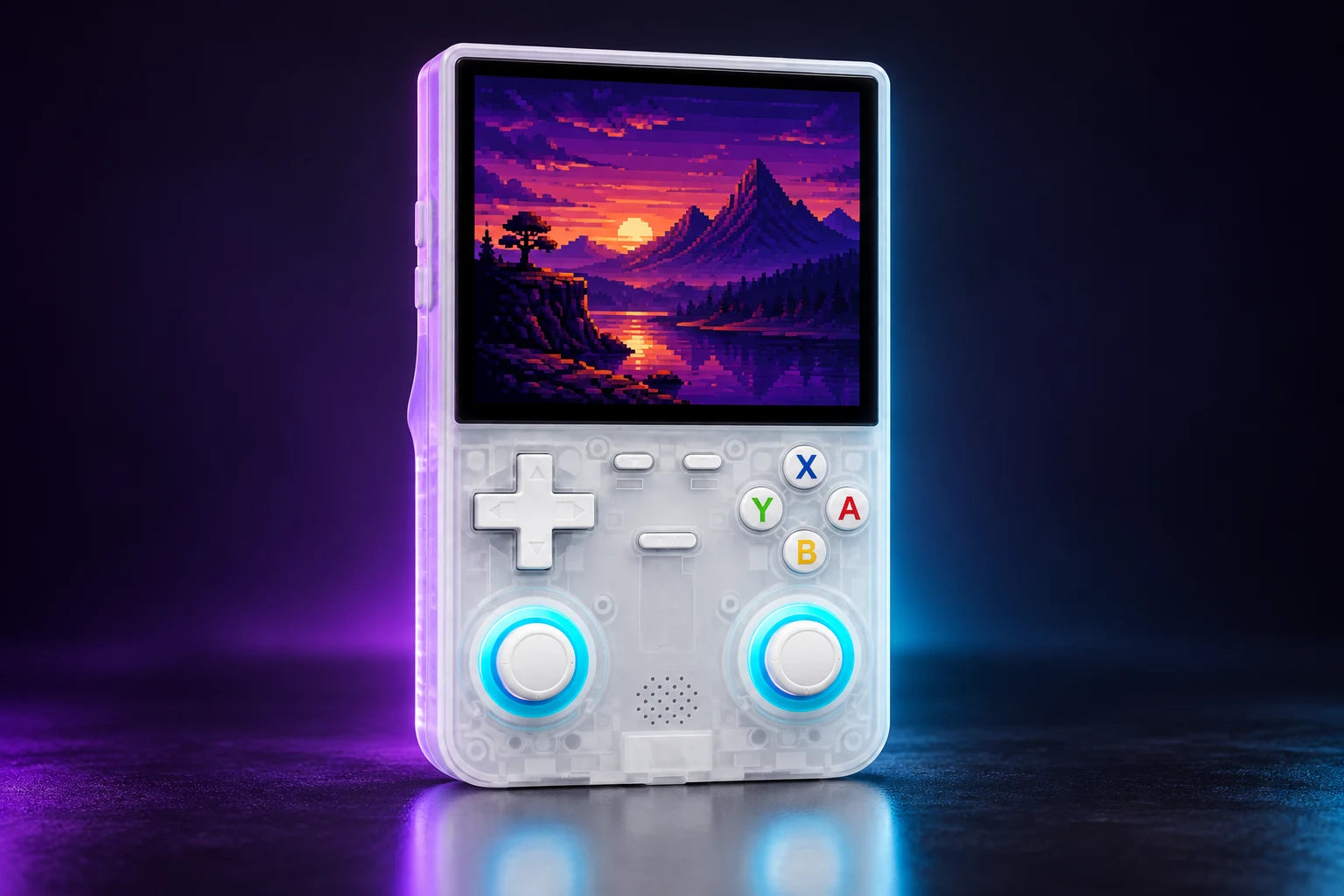
The R36H is horizontal, with controls on either side of the screen. The R36S is vertical. Both use the RK3326 platform and a 3.5″ 640 × 480-pixel screen, so the main difference is how you hold them.
The R36H puts your hands on either side of the screen. The left stick sits high, the right stick low: an asymmetric layout you may already know.
The D-pad stays within thumb reach for platformers and arcade classics.
A 4:3 screen.
With 640 × 480 pixels, the R36H uses the aspect ratio of many classic home console games.
For games designed with other proportions, the emulator lets you adjust the display.
Does the R36H run ArkOS?
This model is offered with ArkOS 2 on Linux. For updates, use a system image suited to the R36H and its hardware revision.
What kinds of games can it emulate?
The RK3326 platform suits 8-bit and 16-bit consoles and many PlayStation games. N64, PSP and Dreamcast performance varies with the game and settings. Perfect performance in every game is not guaranteed.
64 or 128 GB: what changes?
128 GB provides twice the nominal capacity of 64 GB. It holds more files without changing performance. The number of games depends on file size.
Capacity changes storage space, not processing power.
Which model should you choose?
Choose the R36H for controls on either side of the screen, or the R36S if you prefer a vertical body. Screen diagonal and resolution are the same.