PortMaster on the R36S: install PC games, with ...
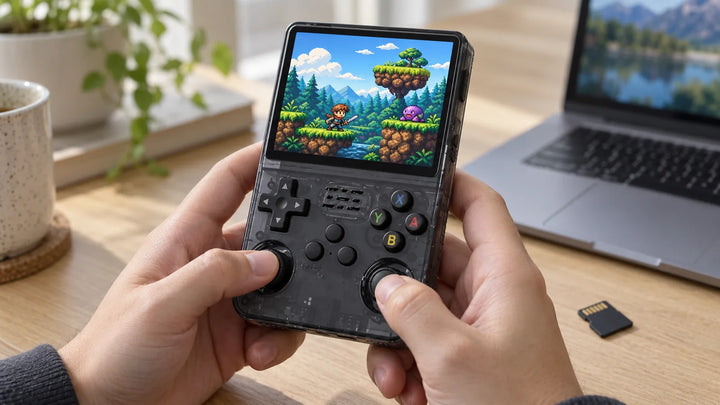
PortMaster installs more than 1,400 PC game ports on the R36S, free or completed with your own copy. Installation by system, with or without Wi-Fi.
The R36S blog
Guides, comparisons, fixes. Everything we wish we had read before switching ours on.
PortMaster installs more than 1,400 PC game ports on the R36S, free or completed with your own copy. Installation by system, with or without Wi-Fi.
Last updated: November 2026 Short answer: for most people, the classic R36S is the safest retro gaming gift: it is pocket-sized, plays 8-bit and 16-bit classics plus PS1-era 3D, and...
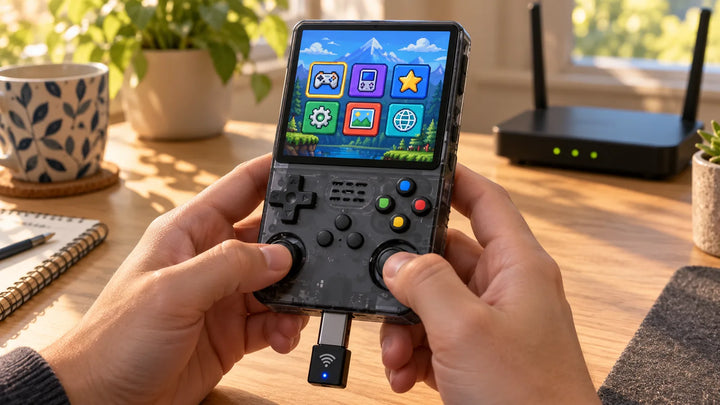
The R36S has neither Wi-Fi nor Bluetooth. Two options: a compatible USB Wi-Fi dongle on the OTG port, or an R36 with built-in Wi-Fi, plus what a connection really lets...
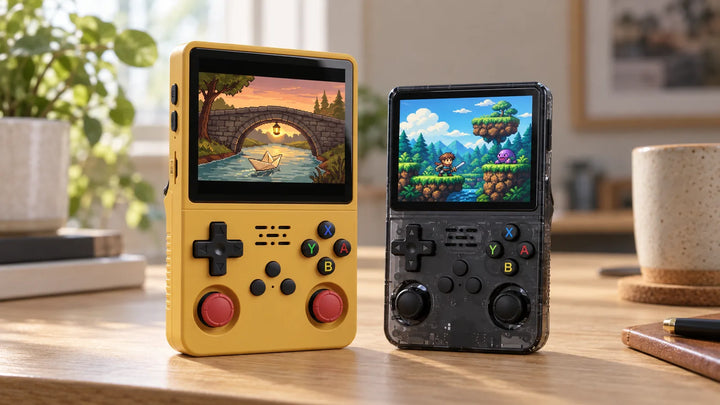
The R36S Plus keeps the chip and the games of the R36S. What changes: a square screen advertised as larger and built-in Wi-Fi. The table of differences, how to recognize...
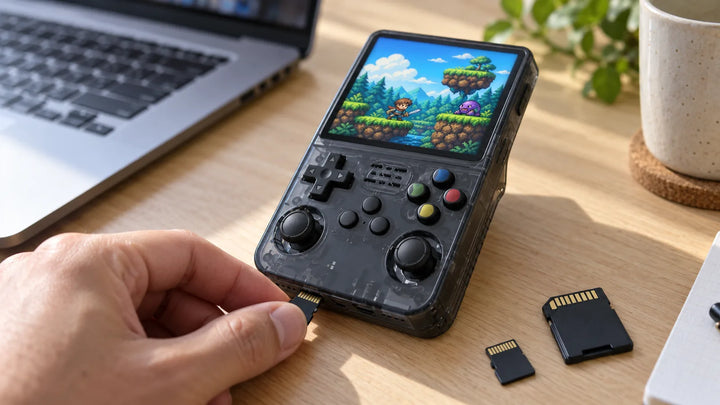
Back up the card it ships with before anything else, then choose a name-brand microSD. TF1 or TF2, format, capacity: what the system developers say.
The buttons to save, load, quit a game and turn off the R36S, system by system (ArkOS, pre-2024 images, dArkOSRE, clones). With the difference between an in-game save and a...
Your cookies, your call
We use cookies to measure how the site is used and improve your experience. Accept everything, refuse everything, or choose in detail. Privacy policy.
Your preferences
Strictly necessary
Required for the cart and checkout. Always on.
Analytics
Helps us understand which pages are useful.
Marketing
Measures our ads and avoids showing you the same one ten times.
Preferences
Remembers your language and country.